What a client wants to see
Clients rarely want your whole board. They want answers:
- What did you do for us? Cards completed this month, and per month over the last half-year.
- Where are we now? Cards per list — in progress, in review, done.
- What's next and when? Cards due in the coming weeks.
- How much of the budget is used? If you track hours or budget in Custom Fields.
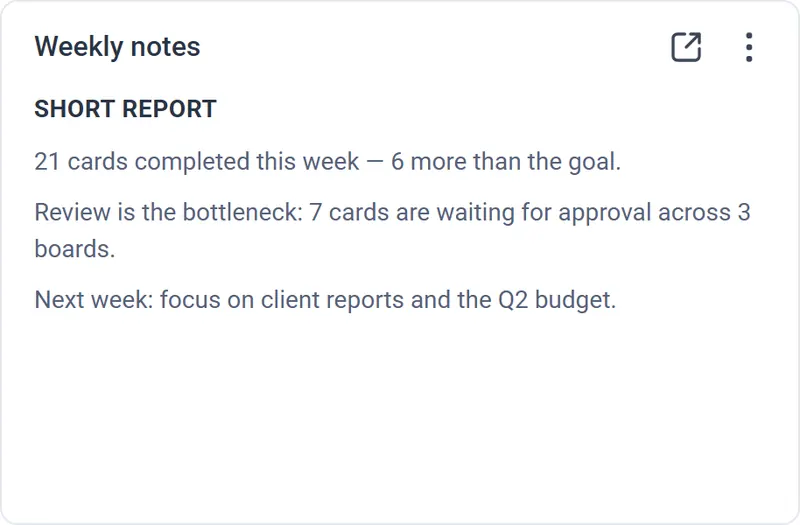
And a short header in your words: the period, the main result, a contact.

What you want to see as the agency
- Overdue cards across all clients.
- Open cards per client board — who's getting the most attention.
- Hours or budget per client, summed from a Custom Field.
Build it with Cross-Board Reporting & Dashboards
Cross-Board Reporting & Dashboards is a Trello Power-Up that builds dashboards from one or many boards.
Enable the Power-Up
on each client board. Your plan counts the boards your widgets read, so there is no separate list to maintain.
Create a dashboard per client
Name it after the client; each dashboard gets its own button in the Dashboards panel.
Add a text block as the report header
Headings, colours, images — the client's name, the period, a short summary.
Add the progress widgets
A percentage of cards in “Done”, a bar chart of cards per list, a line chart of cards completed per month (Completion date).
Add a table of upcoming work
Due date — Next 7 days, or This month, with Card name, Lists and Due date.
Copy the dashboard for the next client
Create a copy and switch the widgets to the other client's board.
For your own overview, make one more dashboard with widgets reading all client boards: overdue counter, bar chart of open cards split by Board name, Sum of Hours per board.
Sending it to the client
- Export. Open the data behind a chart, counter or table widget and export it to Excel.
- Share with your account manager. Dashboards can be shared with Trello users who have access to the boards used by its widgets; they view, you edit. Sharing is part of the Pro and Pro+ plans and the trial.
Questions
Will the client see my other clients' boards?
A dashboard shows only the boards its widgets read. Build the client's dashboard from their board only.
Do I have to update the report by hand?
No. Turn on Auto-refresh for the dashboard: widgets then refresh on a schedule, or as soon as the board changes on the Pro and Pro+ plans and the trial.
Can I compare clients on one chart?
Yes: a bar chart split by Board name reading all client boards.