How to remember birthdays without trying
Remembering birthdays is less about memory and more about having a small routine:
- Keep all dates in one place. Birthdays scattered across social networks, old calendars and paper diaries are easy to miss. One list for family, friends and colleagues is easier to keep up to date.
- Get reminded early, not on the day. A notification on the morning of the birthday is enough for a text, but not for a present. A week before works for most people; for close family and your partner, two or three weeks give you time to plan.
- Write gift ideas down when you hear them. People mention what they'd like all year — a book, a kitchen gadget, tickets to a show. Note it at that moment, and the gift question is half solved months before the date.
- Remember what you gave last time. A quick note after each birthday saves you from giving the same scarf twice.
- Add anniversaries too. Wedding anniversaries and other yearly dates fit the same routine.
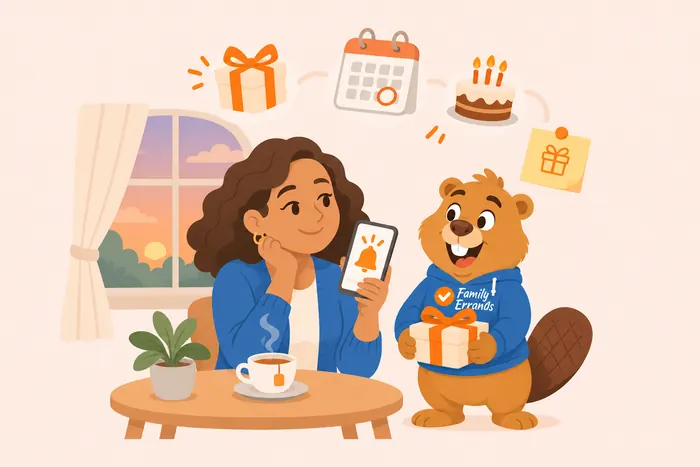
Set up birthday reminders in Family Errands
Family Errands keeps birthdays in their own section, separate from errands, for birthdays of family, friends and acquaintances.
Add a birthday
Open the birthdays section and add a person with their date. You can save it with or without a year — and if you only know the age, the app can work the year out from it.
Add a picture and colour
Choose a photo or an icon, so you recognise the person in the list at a glance.
Set reminders
Add a reminder a number of days before the date — for example 14 days before for a gift and on the day for a call. Several reminders per person are possible, each with its own time.
Note likes and gift ideas
Every record has a list of likes and a list of gift ideas. Add ideas whenever they come up during the year.
Share it with your family
Tap a family member's avatar to share the birthday, so they see the same date, likes and gift ideas.
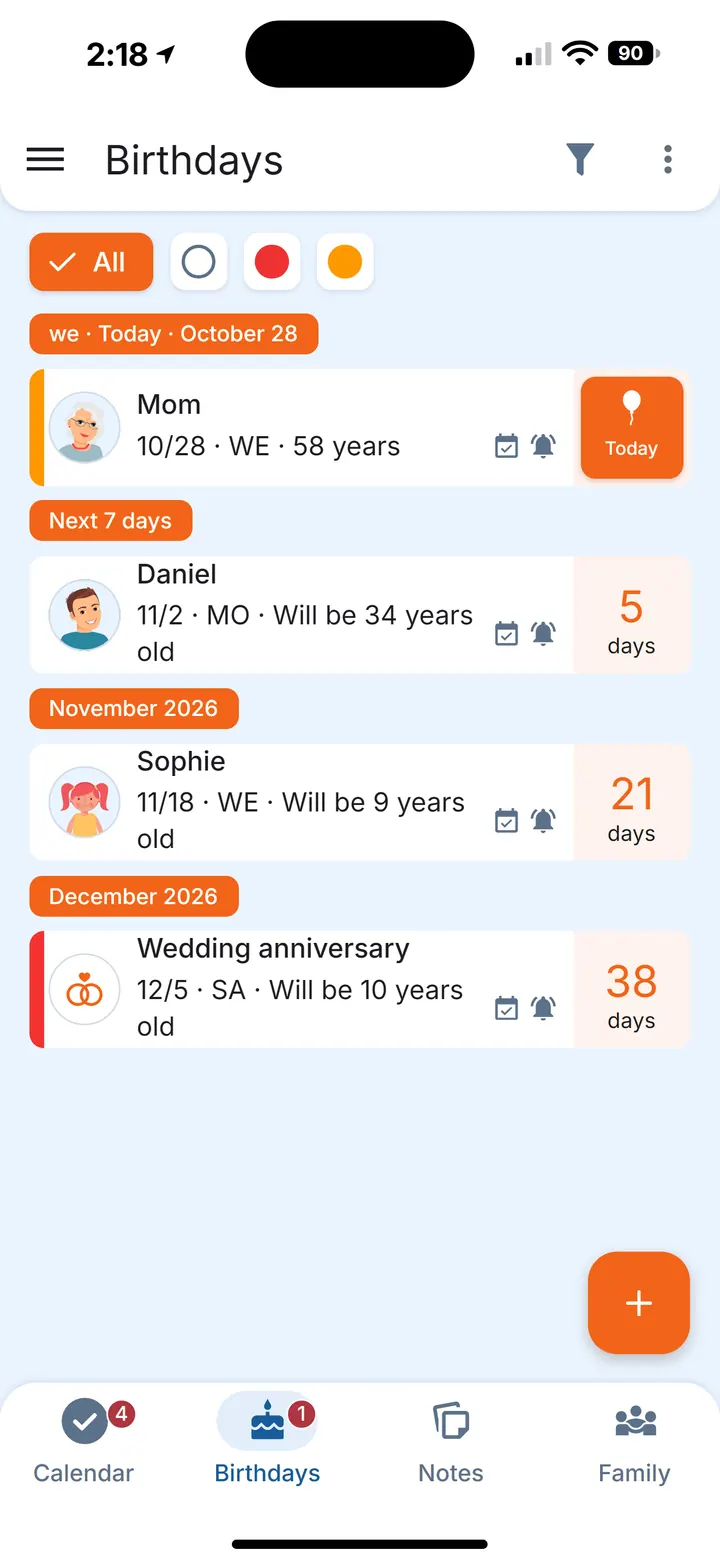
The list shows a countdown for each person: how many days are left and, if you saved the year, how old they are turning. Birthdays are grouped by how soon they are — today, the next seven days, then month by month — so the next ones are always on top.
Gift ideas you can share with your family
When you share a birthday with your family, everyone you share it with sees what's already planned. One of you adds “she mentioned a new cookbook”, the other sees it before going shopping, and you don't end up with two cookbooks.
After the birthday, record how you celebrated: the date, the place, the gift, a note and photos. Add a reminder for a day after the date, and the app will ask you about it. It is saved to that person's celebration history, so next year you can see what you gave last time and how you celebrated.
Anniversaries and other yearly dates
A birthday record works for any yearly date — the name field is free text. Add your wedding anniversary, the day you moved into your home or a friend's work anniversary, with reminders set the same way.
Upcoming birthdays on your home screen
A birthdays widget shows the nearest birthdays right on your home screen, so you see who's next without opening the app.
Questions
How far in advance should a birthday reminder be?
A week before suits most friends and colleagues. For your partner and close family, two or three weeks leave time to choose and order a present. In Family Errands you can set reminders up to 365 days before or after the date, and several for the same person.
Can I add a birthday without knowing the year?
Yes. The date can be saved without a year. If you know the age, the app can calculate the year from it.
Can I share birthdays with my family?
Yes. A shared birthday shows the same date, likes and gift ideas to every family member it's shared with.
Is Family Errands free?
New accounts start with a free trial. After the trial, one subscription, monthly or yearly, covers the whole family of up to 5 people: family members who join don't need a subscription of their own.
Does it work on iPhone?
Family Errands is available on Android now; the iPhone version is coming.