Two things to remember, not one
Most consumables at home follow the same pattern. You change or open a new one at a regular pace, and you need a new pack before the last one is gone.
- The change itself. The water filter cartridge, a fresh pair of contact lenses, a new bag of pet food. How often depends on the product and on how much you use it, so follow the manufacturer's guidance or, for lenses, your optician's.
- The spares. The box of cartridges, the lens packs, the bags in the cupboard. These run out a little at a time, which is exactly why nobody notices until the last one is in use.
A calendar reminder covers the first point. For the second, it helps to count.

A few habits that help
- Note the date when you change it. If you can't remember when the filter was last changed, change it now and start counting from today.
- Keep spares in one place. A single shelf for cartridges, lens packs and pet supplies makes a quick check easy.
- Order before the last one. Reorder when two or three are left, not when the cupboard is empty, so delivery or a shop trip has time to fit in.
- Write the change down for the household. If more than one person changes the filter or feeds the pet, everyone needs to see the same count.
Set it up in Family Errands
In Family Errands, an errand can repeat on a schedule and also keep track of stock: each time you complete it, the remaining amount goes down, and a low-stock reminder tells you when only a few are left.
Create an errand for the item
For example “Change the water filter”, with an emoji so it stands out in the calendar.
Make it repeat
Choose the rhythm that matches the guidance for your product: every N days, weeks or months. If the date falls on a weekend you'd rather keep free, monthly errands can move to the nearest convenient day.
Switch on stock tracking
Enter how many spares you have and how much each completion uses up: one cartridge, one pair of lenses, one bag of food. Then switch on the low-stock reminder and set how many should be left when it reminds you.
Complete the errand when you change it
Each completion lowers the remaining amount, so the count stays honest without a separate list.
Get the low-stock reminder and restock
When only a few are left, the app reminds you. Buy more, then refill the stock in the errand, and the count starts again.
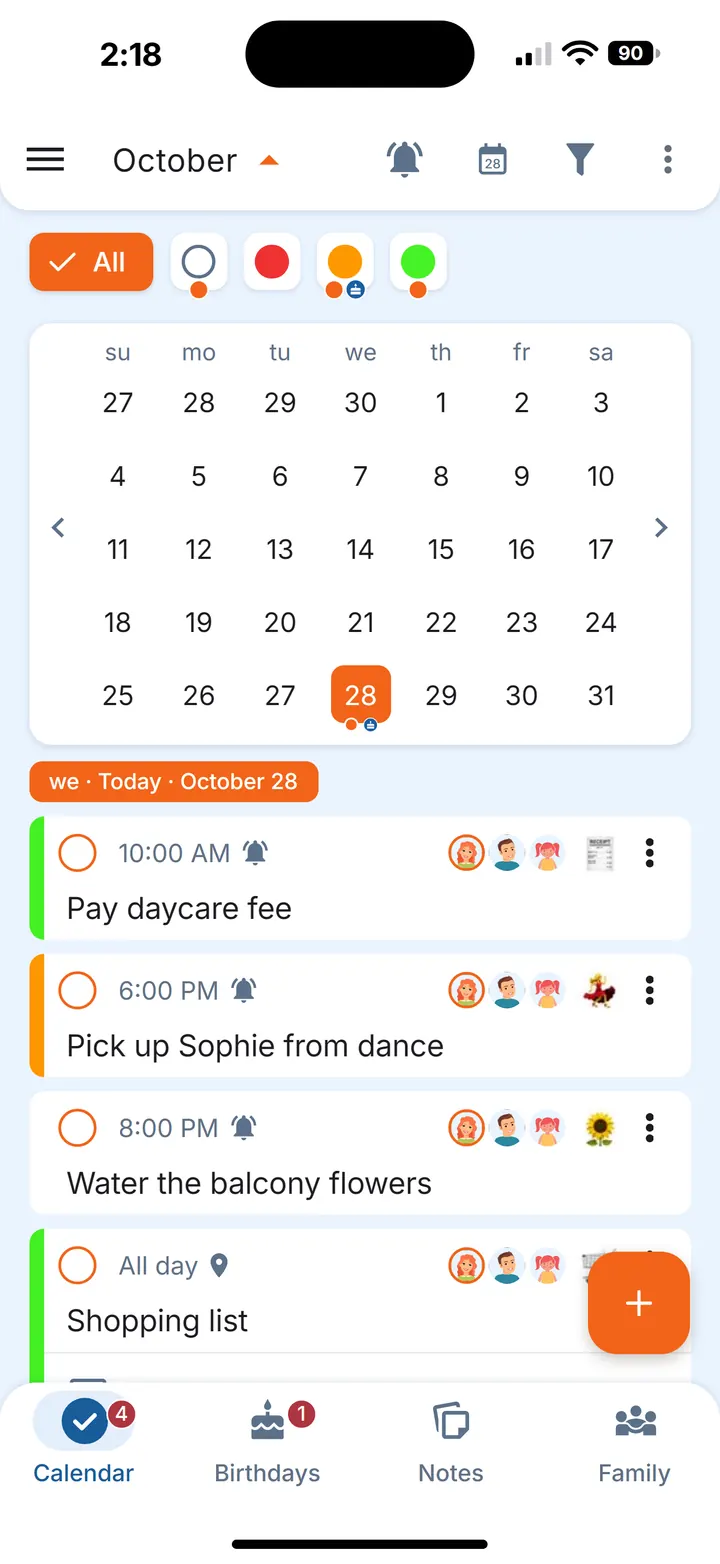
Add a time reminder to the errand as well, or several, so the change day itself doesn't slip by.
Water filter, contact lenses, pet food
The same steps fit different things; only the rhythm and the amount change.
- Water filter cartridges. One errand repeating on your filter's schedule, with the number of spare cartridges as the stock. The app tells you when the box is nearly empty.
- Contact lenses. Set the repeat to the replacement schedule your optician gave you and count the pairs you have at home. This is about not running out, not about eye care: questions about wear go to your optician.
- Pet food refills. Complete the errand each time you open a new bag or tin pack, with the unopened ones as the stock. Other pet routines are a topic of their own.
The same works for other household spares that run out at a steady pace. For the rhythm of bigger jobs around the house, see the home maintenance schedule; for food basics you restock from a list, see the grocery staples list.
Share it with the household
If you live with a partner or family, share the errand by tapping their avatars. Everyone it's shared with sees the same count, and each person sets their own reminders. Whoever changes the filter completes the errand, and the remaining amount goes down for everyone. Whoever does the next shop sees the same count and the restock errand, so there's nothing to pass on.
Questions
How do I remember to change my water filter?
Set a repeating reminder that matches the manufacturer's guidance for your filter, and keep a count of spare cartridges, so you're reminded to buy more before the last one is in use.
Can an app remind me when I'm running low on something?
Yes, for countable items. In Family Errands, stock tracking lowers the remaining amount each time you complete the errand, and the low-stock reminder tells you when the amount you set is left.
Can my partner see the same count?
Yes. Share the errand with chosen family members; everyone it's shared with can see and edit it. A family has up to 5 people in total.