What goes into a pet care schedule
Most pet routines fall into a few groups. Write down what applies to your animal, and how often, before you put anything in a calendar:
- Every day. Meals, fresh water, walks for a dog, the litter tray for a cat, a quick play or brush.
- Every week or so. Washing bowls and bedding, a longer grooming session, checking the food supply.
- On a longer rhythm. Flea and worming treatments, nail trims, a check-up at the vet.
- Things that run out. Food, litter, treats, the next pack of flea treatment.
How often your pet needs treatments, check-ups or a particular diet is a question for your vet. Follow your vet's advice and the instructions on the product, and use the schedule only to remember what you've already decided.

Make it visible to everyone at home
A pet routine that lives in one person's head works until that person is away, busy or asleep. A few habits make the shared version easier:
- One place, not the family chat. “Did anyone feed the cat?” scrolls away under photos and work messages. A list everyone can open gives the answer without asking.
- Tick it off when it's done. The point is not who did it, but that the others can see it's done, so the pet isn't fed twice or walked by nobody.
- Whoever is home does it. With a shared view there's no need to work out a timetable of people. If you're home at dinner time and the meal isn't ticked, it's yours.
- Say when you're away. If you usually do the morning walk and won't be there tomorrow, pass it on explicitly rather than hoping someone notices.
Set up the routine in Family Errands
In Family Errands, each part of the routine can be a repeating errand shared with the people you live with.
Create a daily errand for the basics
Add an errand such as “Biscuit: daily care”, make it repeat daily, and add checklist items for each step: morning meal, evening meal, fresh water, evening walk.
Share it with your household
Tap the avatars of the people you live with. Everyone it's shared with sees it and can tick items off, and changes show up on the other phones automatically, so a ticked “morning meal” tells the others it's done.
Add your own reminder
Each person sets their own reminders on a shared errand. One of you can be reminded at 7:00, another at 18:00, while the errand stays the same for both.
Add the longer rhythms as separate errands
Grooming every week, flea treatment at the interval your vet or the product instructions give: make each a repeating errand with its own reminder.
Put vet visits in the calendar
A check-up is an errand with a date and time. Add a reminder an hour or a day before, and a few lines in the description about what you want to ask.
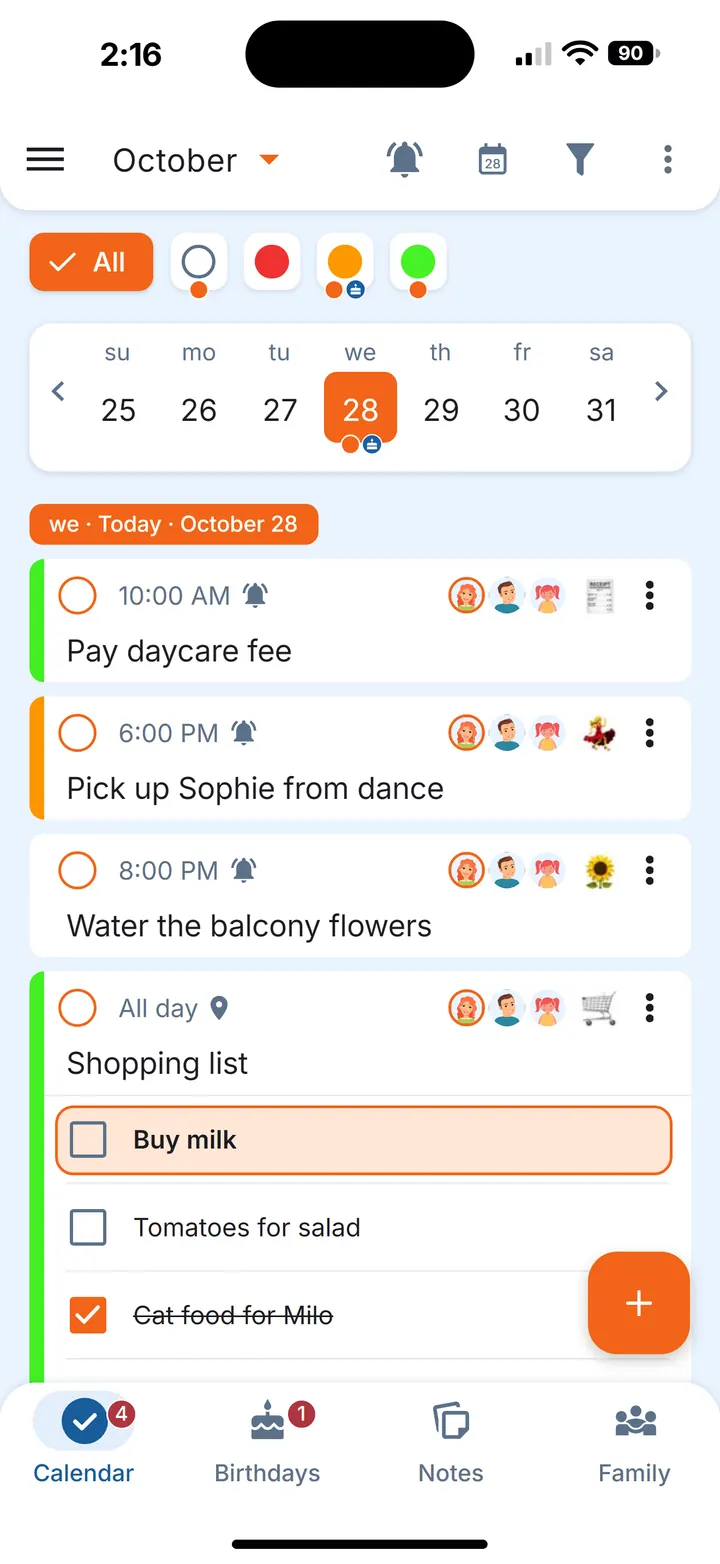
In the calendar, an orange dot under a date means something is still open that day, and a grey dot means everything for that day is dealt with. If one occurrence doesn't happen as planned, you can skip it without touching the rest of the chain.
Keep flea treatment and food in stock
Pet supplies follow the same pattern as other household spares: you use them at a steady pace and notice the empty box too late. A repeating errand in Family Errands can also track stock. Each time you complete it, the remaining amount goes down, and with the low-stock reminder on, the app reminds you when only a few are left, so you can buy more and refill the stock in the errand.
- Flea treatment. On the repeating treatment errand, enter how many doses you have at home and switch on the low-stock reminder at one or two doses. Completing the errand lowers the count, and the reminder comes before the last one is used.
- Food. Make a repeating errand at the pace you usually open a new bag or tin — weekly, say — switch on stock tracking with the number of unopened ones, and complete it when you open one. The details are in replace filters on time and keep spares in stock.
Because the errand is shared, everyone sees the same count, whoever opened the last bag.
When someone is away
If you're travelling, the person staying already sees the shared daily errand and its checklist on their phone, and can set their own reminders. The same goes for a vet visit on a day you can't make: if the errand is yours, hand it over to whoever is free. It helps to add a line to the description about anything your vet has told you to keep an eye on.
For other chores that come round on a schedule, see the household chores list; watering plants follows a similar pattern in the plant watering schedule.
Questions
How do I make a pet care schedule for my family?
List the daily, weekly and longer routines your pet needs, then keep them somewhere everyone at home can see and tick off. In Family Errands, that's a repeating errand with a checklist, shared with your household.
How do I remember when my pet's flea treatment is due?
Ask your vet how often your pet needs it, then set a repeating errand at that interval with a reminder. Stock tracking can also tell you when only a few doses are left.
How do we avoid feeding the dog twice?
Tick each meal off on a shared checklist as soon as it's done. Everyone the errand is shared with sees the tick on their phone, so nobody has to ask.