What a school run schedule needs to hold
The school week looks simple until you write it down. Most families end up juggling more than two times a day:
- Regular drop-off and pickup times for each child, which may differ from child to child.
- Early finish days, staff training days and the last day before a holiday.
- Things that travel with the child: PE kit on Tuesdays, a library book on Fridays, a lunch box, a signed form.
- One-off changes: a school trip that returns late, a school meeting, a dentist appointment in the middle of the day.
After-school lessons and practice add another layer; they have their own pattern, so it helps to keep them as separate errands rather than squeezing them into the pickup.

Set the week up once
In Family Errands each school run can be a repeating errand on the days it happens.
Create the errand
Add it on the calendar with a clear title, such as “School pickup”, and set the time.
Choose the weekdays
Make it repeat weekly on the days that apply, for example Monday to Thursday if Friday is an early finish with its own time.
Give it an end date
A repeat can stop on a chosen date, so a schedule can end with the term.
Add a checklist for things to bring
Checklist items such as “PE kit” or “reading folder” can be ticked off one by one.
Share it with your partner
Open the errand and tap their avatar. Both of you now see it and can edit it, and changes show up on the other phone automatically.
Each set your own reminder
The errand's time is the same for both of you, but reminders are personal.
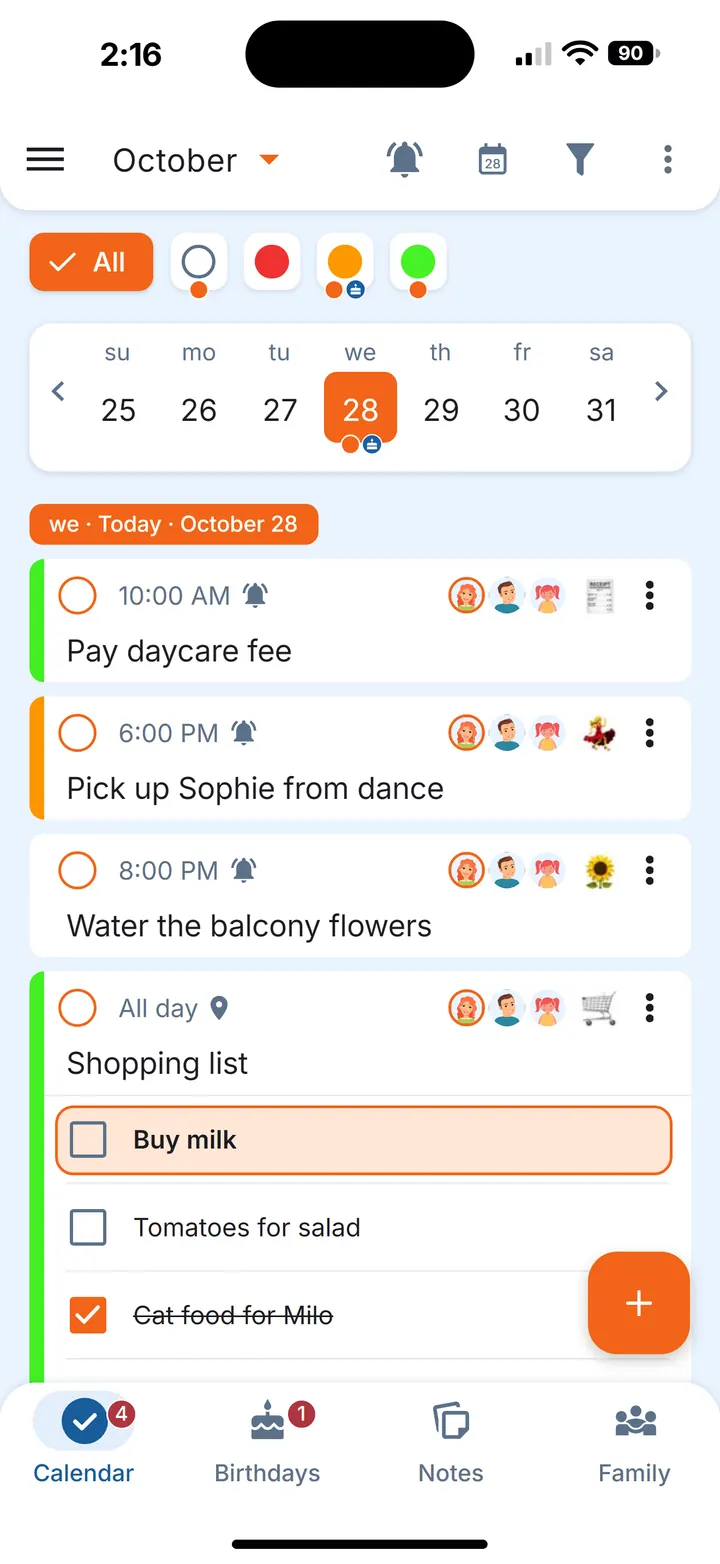
For a day that breaks the pattern, such as an early finish before a holiday, skip that one occurrence or edit only that one, and the rest of the chain stays as it is.
Both of you see the same week
Sharing doesn't decide who goes. It gives both parents the same picture: what's on today, what's still open, and what changed. In the calendar, an orange dot under a date means something is still open that day, and a grey dot means everything is dealt with.
How you split the runs is a conversation for the two of you; the app simply keeps what you agreed in front of you both. When one of you completes the errand, it shows as done for both of you.
Reminders that fit each parent's day
Two parents rarely need the same nudge. One of you might work from home and want a reminder at the time itself; the other might commute and prefer one an hour ahead. Each participant can add the reminders that suit them, and those apply only to that person; until then, they get the creator's reminders. An errand can also have several reminders, so you can keep an early heads-up and a second one closer to the gate.
If your phone is often on silent, you can mark a reminder as Important on Android so it still sounds. Our article on reminders that ring on silent explains how that works.
Handing over a day
Plans change: a meeting runs late, a train is cancelled, someone is unwell. On days like this, a quick handover is easier than a long exchange of messages.
You can hand off an errand to your partner: it becomes theirs and disappears from your account. Your partner can tap that they've seen it, so you know it arrived. That confirms delivery only; there is no checking up afterwards. For a single day inside a repeating schedule, a simple way is to skip that occurrence and add a one-off errand for the day, then hand that one over. The regular schedule stays shared for the rest of the week.
Small habits that help
- Add changes as soon as the school letter arrives. A late trip return or an early finish goes in the calendar straight away.
- Keep the bag list on the errand. The checklist travels with the pickup, so whoever goes sees it.
- Leave the forms reminder at the door. A reminder when you leave home in the morning can prompt you to take the permission slip, using a location reminder on leaving a place.
- Keep the bigger picture shared. Pickups are one part of running a household together; our shared to-do list for couples and family to-do list cover the rest.
Questions
How do I make a school pickup schedule?
Write down each child's drop-off and pickup times by weekday, add early finish days and what needs to go to school, then keep it where both parents can see it. In Family Errands that's a weekly repeating errand on chosen weekdays, shared with your partner.
Can both parents get a reminder for the school pickup?
Yes. A shared errand has one time for everyone, and each person sets their own reminders.
What if one of us can't do the pickup on a given day?
Skip that day in the shared schedule, add a one-off pickup errand and hand it over to the other parent: it becomes theirs, and they can tap that they've seen it.