Why a daily vitamin is easy to forget
Taking a vitamin takes a few seconds, which is exactly why it slips. There is no queue, no appointment, nothing that reminds you on its own. A busy morning, a weekend with a different rhythm or a night away, and the jar sits untouched by the kettle.
The refill is harder still. The jar empties a little each day, and you notice only on the morning you shake out the last one.

Habits that make it stick
A few everyday habits help, with or without an app:
- Tie it to something you already do. Breakfast, the morning coffee, brushing your teeth. A fixed point in the day is easier to keep than a vague “sometime today”.
- Keep the jar where you'll see it. On the breakfast table or next to the mugs, rather than at the back of a cupboard.
- Pick a time and keep it. A reminder at the same time each day becomes a routine sooner than a different time every day.
- Buy the next pack before the last one. When only a few are left, add it to the shopping list, so the shop or delivery has time to fit in.
The label tells you how to take the product itself; follow it, or ask your pharmacist or doctor if you're unsure.
Set up a daily vitamin reminder in Family Errands
In Family Errands, one errand can repeat every day, remind you at a set time and count how many are left in the jar.
Create an errand
For example “Vitamins”, with an emoji or colour so it stands out on the calendar.
Make it repeat daily
Pick a time that fits your routine, such as just after breakfast, so the errand comes back every day on its own.
Add a time reminder
Choose a reminder at the errand's time, or a few minutes before. You can add more than one if you like a second nudge.
Switch on stock tracking
Enter how many are in the jar and how many each completion uses up, and switch on the low-stock reminder. Each time you complete the errand, the remaining amount goes down.
Complete it when you've taken it
Tick it off from the errand, straight from the notification or from a home-screen widget.
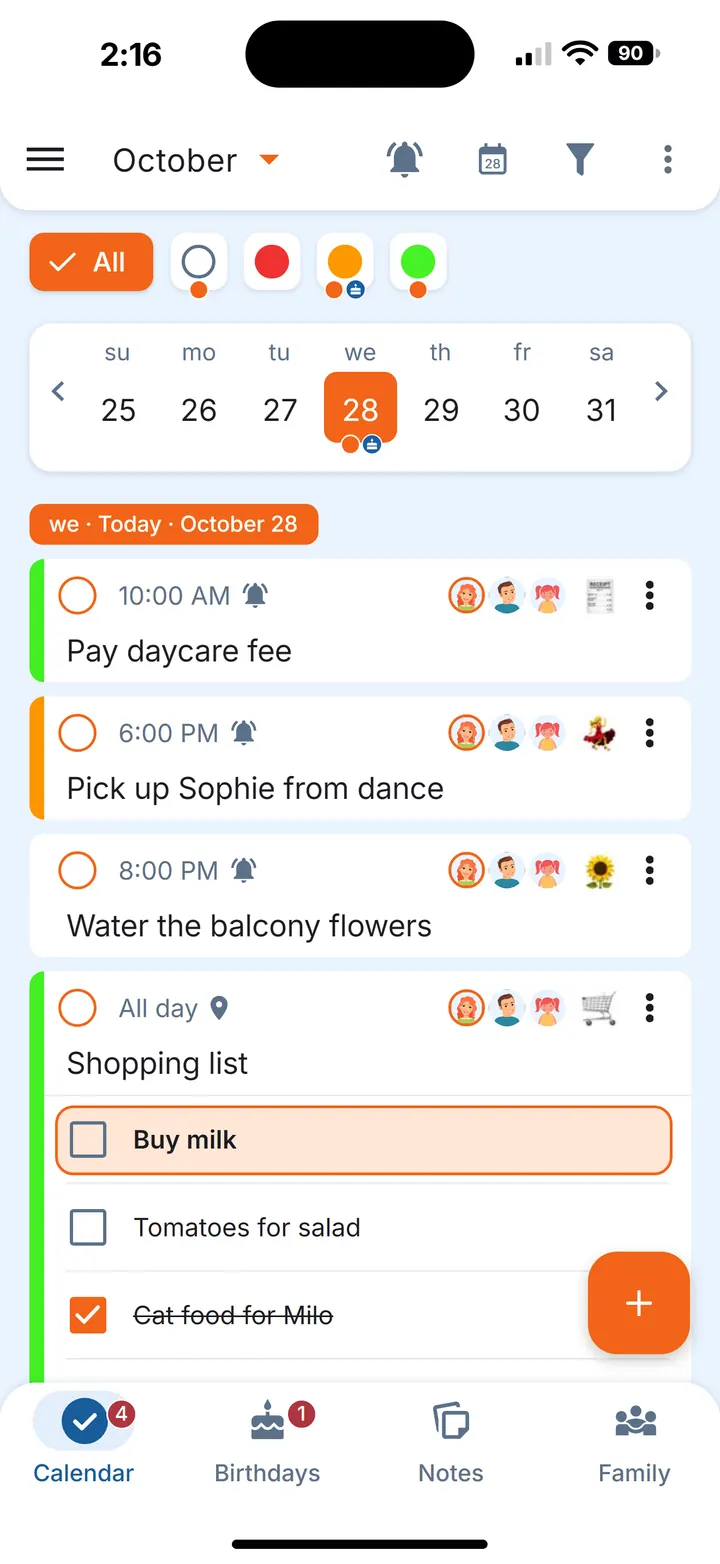
If a morning gets away from you, snooze the notification for half an hour or to another time, or complete the errand right there in the notification.
Tip. If you tend to swipe reminders away, set the reminder to repeat: it keeps coming back at the interval you choose until you mark the errand done. More on that in reminder that repeats until done.
Get a refill reminder before the jar runs out
With stock tracking and the low-stock reminder on, the app reminds you when only a few are left. That is your cue to buy the next pack. Once it's home, refill the stock in the errand, and the count starts again from the new amount.
How stock tracking works is the same for any countable item at home; the replace filters on time guide walks through it with water filter cartridges and contact lenses, and the grocery staples list shows it for pantry basics.
When the refill is a pharmacy trip, put the vitamins on your running pharmacy list, so the list appears when you arrive at the pharmacy.
Vitamins for a course, not for ever
Some things come as a set number of days. For those, give the daily repeat an end date and switch on Count completions, so you see progress like “Completed 12 of 30 times” instead of keeping track in your head.
When more than one person takes vitamins
If you both take vitamins, give each of you your own errand — completing a shared errand completes it for everyone it's shared with. When one of you gets the low-stock reminder, add the pack to your shared shopping list. The errand's time is the same for everyone, but each person sets their own time reminders: one of you can get a nudge at breakfast, the other a little later.
If you look after a parent's routine as well, our elderly parent care guide shows how a family can share those errands.
Questions
How do I remember to take my vitamins every day?
Tie it to something you already do each morning, keep the jar in sight, and set a daily reminder at a fixed time. In Family Errands, a daily repeating errand with a time reminder does this.
Can an app remind me when my vitamins are running low?
Yes. In Family Errands, stock tracking lowers the remaining amount each time you complete the errand, and the low-stock reminder tells you when only a few are left.
What time of day should I take vitamins?
That depends on the product, so follow the label or ask your pharmacist or doctor. Once you know the time that suits you, set the reminder for it.