Why tasks without a deadline slip
A task with a date has a built-in prompt: the day arrives and you deal with it. A task without one has nothing like that. It goes onto a scrap of paper or into the back of your mind, and the next time you think of it is when the shelf wobbles again.
Many people keep a separate “someday” list for exactly these jobs. It helps, but only if someone actually looks at it. A list that sits in a drawer or a forgotten app tends to grow quietly while the jobs stay undone.

What belongs on a household someday list
Good candidates are jobs that matter but can wait a week or two without harm:
- Small repairs — tighten the loose shelf, re-seal the bath, oil the squeaky gate
- Finishing touches — hang the picture leaning against the wall, put up the coat hooks
- Clear-outs — the cupboard under the stairs, the box of cables, outgrown children's clothes
- Things to look into — compare home insurance before renewal, find a window cleaner
Anything with a real date belongs elsewhere: a bill due on the 15th or a car service booked for Thursday is a dated task, not a someday one. Jobs that come back regularly, such as cleaning the gutters, are better as repeating tasks; see the home maintenance schedule.
Keep it short and keep it moving
A few habits stop a someday list from becoming a storage room:
- Make each item one clear job. “Hang the hallway picture” is easier to start than “sort out the hallway”.
- Look at it often. A list you see every day gets picked from; one you open once a month mostly gets added to.
- Give it a date when it's ready. Once the job needs a booking or a shop trip, put it on a specific day.
- Clear out what no longer matters. If an item has sat untouched for months and nobody misses it, delete it. That's a decision, not a failure.
- Let whoever has time pick it up. A shared list lets anyone at home spot a ten-minute job and do it.
Set up a someday list in Family Errands
In Family Errands every task is an errand, and an errand can be Anytime: it has no date at all and is shown each day until completed. Your someday jobs stay on today's list and move to tomorrow by themselves until someone ticks them off. Our family to-do list guide shows where Anytime errands fit next to dated and repeating ones; here is the someday side in detail.
Create an errand for each job
Give it a clear title, such as “Tighten the loose shelf”, and pick an emoji or colour if you like.
Choose Anytime instead of a date
The errand isn't tied to a day; it's shown every day until it's completed.
Limit it to certain weekdays, if you prefer
An Anytime errand can be limited to certain weekdays — for example, only on weekdays — so it appears on the days you choose.
Add a checklist for bigger jobs
“Clear the cupboard under the stairs” can hold checklist items like “sort cables” and “take bags to the charity shop”, ticked off one by one.
Share it with your family
Tap family members' avatars to share the errand. Everyone it's shared with sees it, can edit it and can tick it off, and changes appear on the other phones automatically.
Hand it over when someone takes it on
If your partner says “I'll do the shelf”, hand the errand over to them: it becomes theirs and leaves your list.
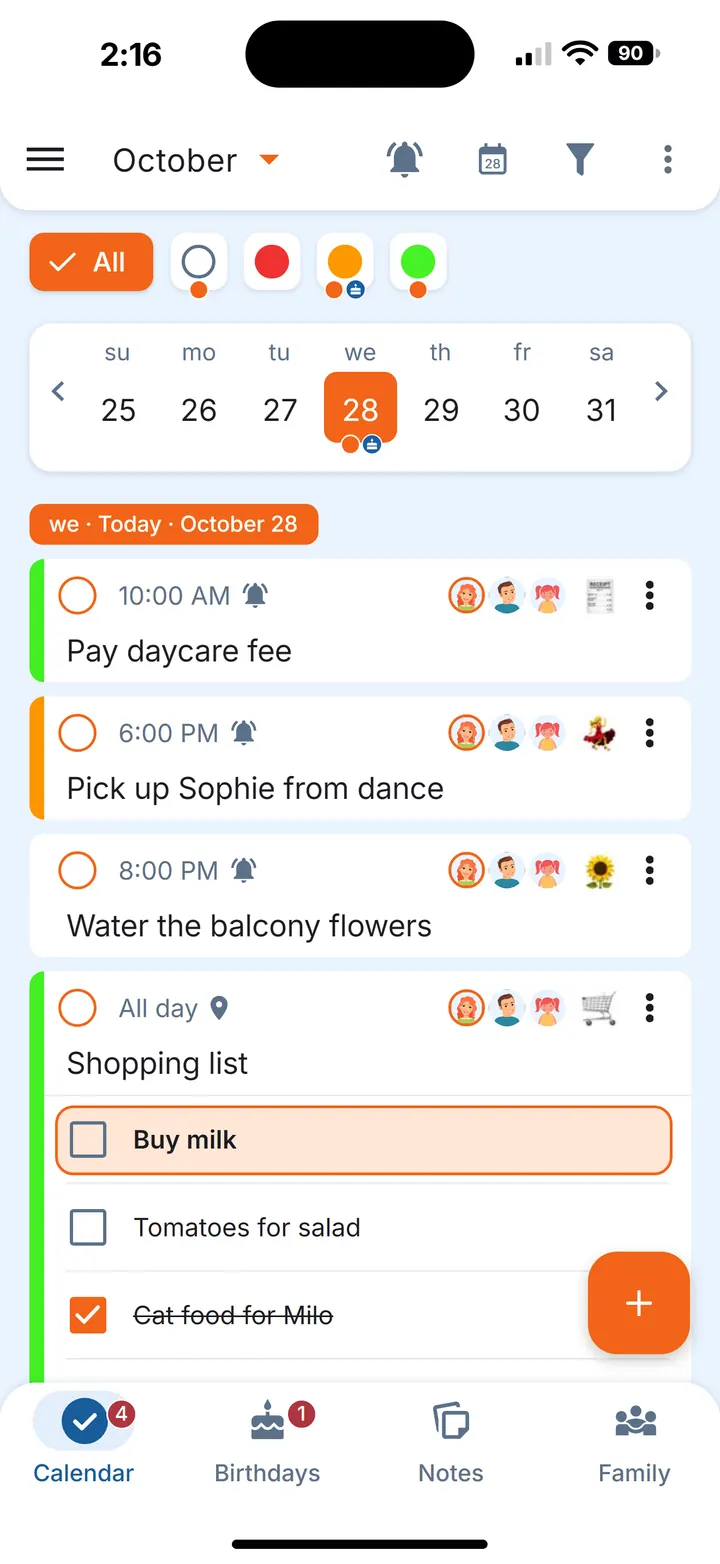
When a someday job gets a real date, move it to a specific day or add a date and time with a reminder.
Ideas that aren't tasks yet
Some things are wishes rather than jobs: “repaint the bedroom one day”, “plans for the garden”. Keep those in a note, shared with the family or just for yourself. When one becomes real, create an errand from the note — see how to turn notes into to-dos.
Questions
What is a someday list?
A list of tasks without a deadline — things you want to get done when there's time. For a household, it's usually small repairs, clear-outs and finishing touches.
How do you keep track of tasks with no due date?
Keep them in one place you see every day, make each item a single clear job, and give it a date once it's ready. In Family Errands, an Anytime errand is shown each day until completed.
Should a someday list be shared with the family?
It helps: when everyone at home sees the same list, whoever has a spare half hour can pick a job and tick it off.