Shared, personal, or both
The quickest way to make a shared list feel crowded is to share everything. A simple rule of thumb: share what the other person needs to see, act on or know about. Keep the rest for yourself.
Usually worth sharing:
- Groceries and household shopping — whoever is near a shop can pick things up.
- Repeating household jobs: bins, bed sheets, plants, paying the rent.
- Kids' logistics: school pickups, sports practice, music lessons, appointments.
- Bills and dates that affect the household.
- Bigger jobs with many steps, such as clearing out the garage before a move.
Often fine to keep personal:
- Your own work-related errands and calls.
- Gift ideas for your partner's birthday.
- Things you are still thinking through and don't want to discuss yet.
The line is different for every couple, and it can move. Something that started as your personal errand can be shared later, and nothing is shared unless you choose to share it. If you want a full list of household jobs to talk through first, our list of household chores for couples is a good starting point.
One list, two phones
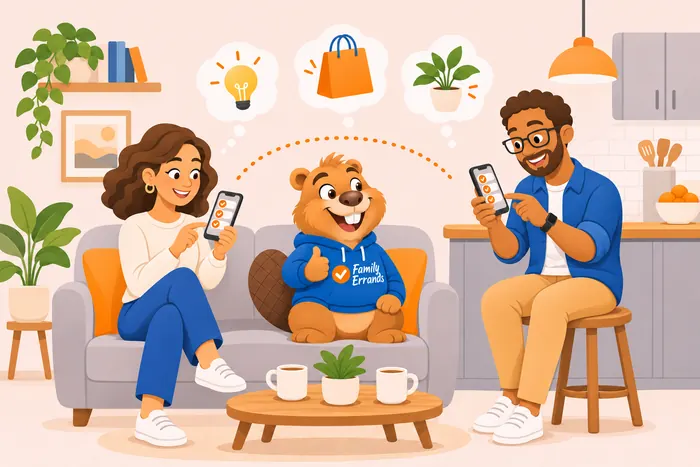
The useful part of a shared list is that it is the same list for both of you. You add “batteries” while you're at home, your partner sees it on their phone in the shop and ticks it off. Nobody has to forward anything or scroll back through a chat to find it.
That also settles “who's buying what this week” without a long thread: both of you look at the same list, add to it, and see what's already done. Groceries have their own article — see how to share a grocery list with your partner.
Same errand, your own reminder
Two people rarely want to be reminded at the same moment. One likes a heads-up an hour before the school pickup; the other is five minutes away and needs ten minutes' notice.
In Family Errands, a shared errand has one time for everyone, but each participant sets their own reminders. Your own reminder applies only to you; until your partner sets theirs, they get the reminders of whoever created the errand. This works well for anything that repeats: school pickups, sports practice, music lessons. Set them up once as repeating errands, share them, and each of you picks the reminder time that fits your day.
Handing an errand over
Plans change. You were going to take your child to the doctor on Thursday, then a meeting moves and your partner is free that afternoon. Instead of writing a message and hoping it is read, you hand the errand over.
When you hand off an errand, it becomes your partner's and disappears from your account. It is theirs from then on, with no follow-up from your side. Your partner can tap that they've seen it, so you know it arrived. That is all it confirms: there is no checking up afterwards, because both of you are equal participants, not a manager and a helper.
If the errand should stay visible to both of you, share it instead of handing it off.
How to set up a shared to-do list in Family Errands
Invite your partner
In the family section, the app creates an invitation link with a 6-digit code that you send through any messenger. After installing the app and signing in, your partner opens the link (on iPhone, tap it again once the app is installed) and confirms joining with one tap.
Create an errand
Add it on the calendar with a title, and add a date and time if it has one. Things without a date can be left as Anytime errands: they are shown each day until completed.
Add a checklist if it has steps
Checklist items can be ticked off one by one.
Share it
Open the errand and tap your partner's avatar. Now both of you see it and can edit it, and changes appear on the other phone automatically.
Set your own reminder
Add the reminders you want; your partner sets theirs.
Make it repeat if it comes back
School pickups, bins or rent can repeat weekly, monthly or on chosen weekdays.
Hand it over when plans change
Give the errand to your partner, and it moves to their account.
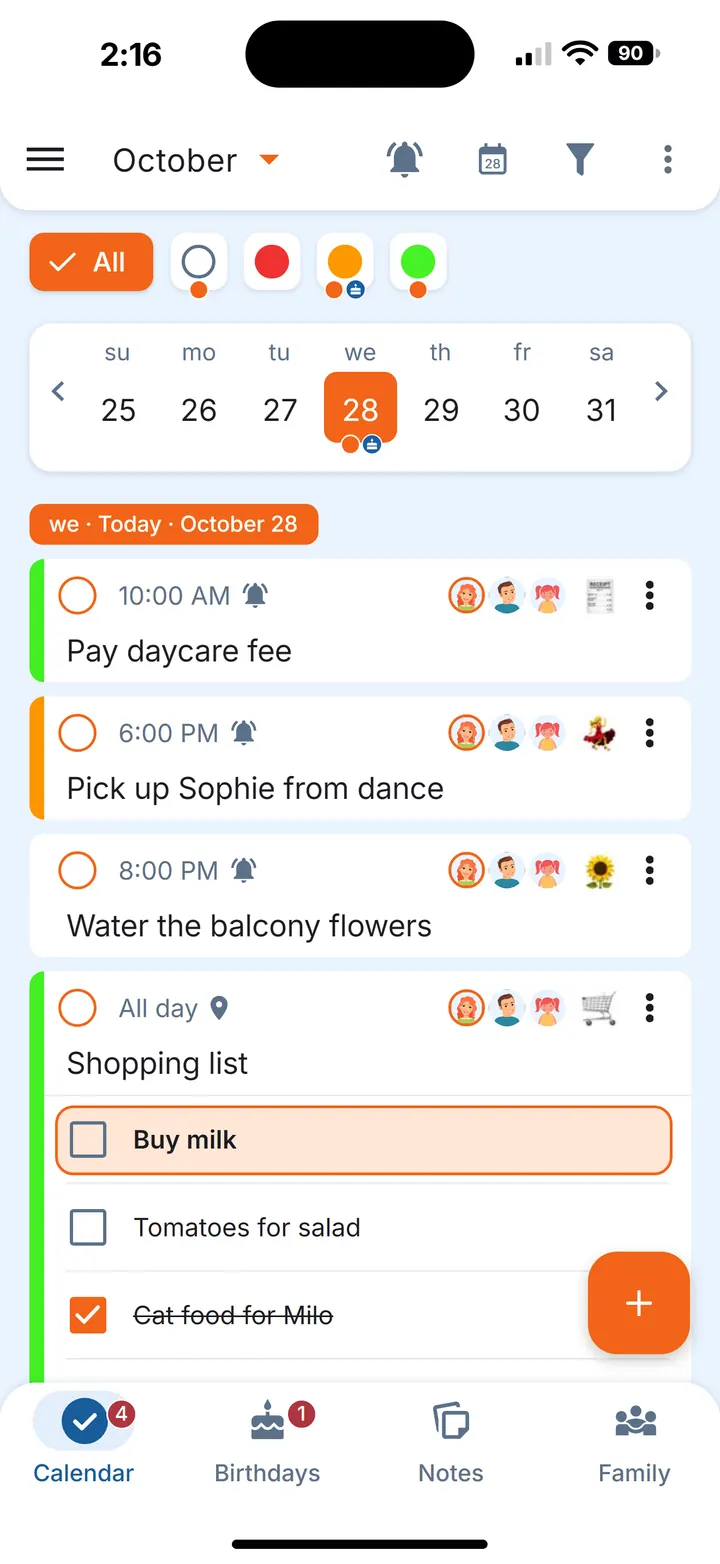
Tip. Notes work the same way: share one with your partner, or keep it just for yourself.
Small habits that help
- Add it when you notice it. The moment you see the bin bags are running out is the moment to add them.
- Share on purpose. Before you share, ask yourself whether your partner needs to see it.
- Talk about the big things, list the small ones. A list is a good place for errands; decisions about how you split the household are better made together in person. Our article on the mental load covers that side.
- Leave room for the rest of the family. If children or a parent join later, the same approach works for a whole household — see our family to-do list.
Questions
Can two people edit the same to-do list?
Yes. A shared errand is editable by everyone it's shared with, and changes appear on the other phones automatically while you're online.
Can I keep some errands private from my partner?
Yes. An errand or note is only seen by the people you share it with, so anything you don't share stays on your side.
Can we each get a reminder at a different time?
Yes. The errand's time is the same for both of you, but each person sets their own reminders.
Is Family Errands free?
New accounts start with a free trial. After the trial, one subscription, monthly or yearly, covers the whole family of up to 5 people: family members who join don't need a subscription of their own.
Does it work on iPhone?
Yes. Family Errands is on the App Store and Google Play, and one family can use both: a partner on iPhone and a partner on Android share the same errands.