Why monthly dates slip
Weekly jobs build a habit; monthly ones don't. Four weeks is long enough to lose the rhythm, and the dates themselves move about: the last day of the month is the 28th, 30th or 31st, and the 25th can land on a Sunday. A note on the fridge or a message in the family chat gets buried long before the date comes round.
It helps to see these dates as small household errands rather than money matters. “Send the meter reading” or “check the rent has gone out” is a five-minute job; it only needs to show up at the right moment.

Make a list of your monthly dates
Before setting anything up, write down what comes up every month in your home and when. A typical list might include:
- Rent or another regular household payment — often due on the last day of the month or on a fixed date.
- Meter readings — many households send them around the same day each month, such as the 25th.
- Subscriptions that renew — streaming, a phone plan, an app, a gym; each usually renews on its own date.
- Other regular dates — a cleaner who comes every second Friday, a monthly check of a statement or a letter you expect.
Next to each item, note the rule of the date, not just this month's date: “last day of the month”, “the 25th”, “the second Friday”. That rule is what the repeat will follow. Check the actual due dates on your own agreements and letters; this list is only for remembering them.
Choose the reminder time
A reminder on the day itself is often too late to do anything calmly. Many people prefer one reminder a few days before and a second one on the day. A few days' notice leaves room to find the meter, look up the account details or decide whether to keep a subscription before it renews.
Set up monthly reminders in Family Errands
In Family Errands, each monthly date becomes a repeating errand. If you already use the app for chores, the same repeat settings are described in our household chores list; here is how they fit monthly bills and dates:
Create the errand on the right day
Select the day in the calendar and add an errand with a clear title: “Rent”, “Send meter reading”, “Phone plan renews”.
Make it monthly on the right rule
Monthly errands can repeat on a date (the 25th), on the last day of the month, on the N-th weekday (the second Friday) or on the last weekday (the last Friday).
Move it off inconvenient days
For monthly errands you can exclude inconvenient days: if the date falls on, say, a weekend, the errand moves to the nearest earlier or later convenient day.
Add reminders ahead of time
For an All-day errand, choose a reminder N days before at a chosen time. You can set several reminders on one errand, such as three days before and on the day.
Keep it coming back until it's done
For the ones you tend to put off, give the errand a time and set its reminder to repeat: it comes back every few minutes until you mark the errand done.
Add the details
Use the description or checklist items for what you need each time, such as where the meter is or which website to use (never passwords).
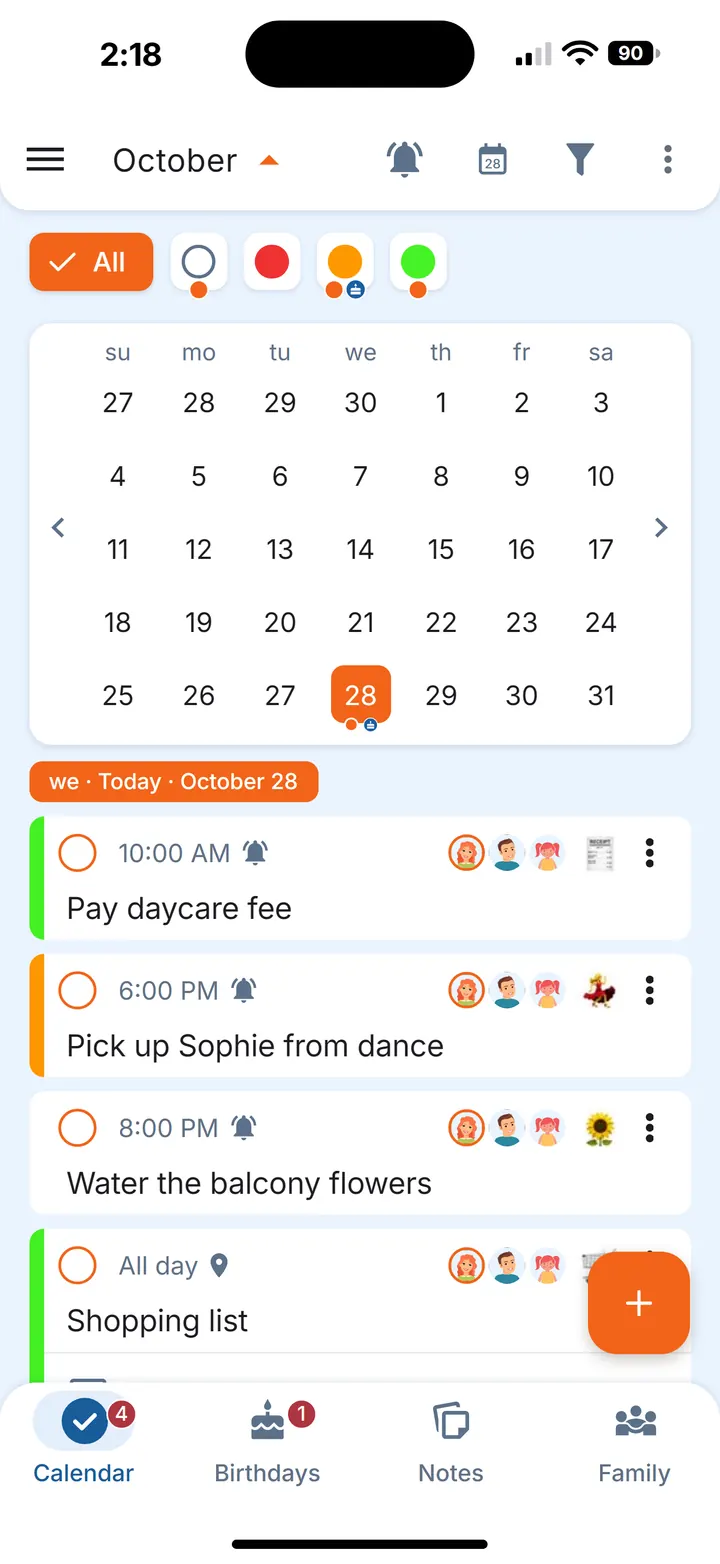
If one month is different — you're away, or a renewal has been cancelled for now — skip that one occurrence without touching the rest of the chain. To change a monthly errand later, choose whether the change applies to only this one, this and the following ones, or all of them.
Share the dates at home
When two people run the home, shared monthly errands mean both see what's coming. Share the errand with your partner by tapping their avatar: it becomes visible and editable for both of you. The errand's date is the same for everyone, but each of you sets your own reminders. Because the errand is shared, whoever sends the reading ticks it off and the other sees it's done.
Yearly dates such as insurance or the boiler service are covered in our home maintenance schedule.
Questions
How do I set a reminder for the last day of the month?
Use a monthly repeat set to the last day of the month rather than a fixed date. In Family Errands, a monthly errand can repeat on the last day of the month, so it follows the length of each month.
How do I remember to submit meter readings?
Make it a monthly errand on the day you usually send them, such as the 25th, with a reminder a day or two before. Add a note on where the meter is so the job takes a minute.
How do I keep track of subscription renewals?
List each subscription with the date it renews, then add a monthly reminder a few days before that date. It gives you time to decide whether to keep it.